
Gourmia Air Fryer Not Turning On or Stopped Working? 7 Safe Fixes

Quick Answer
If your Gourmia air fryer is not turning on, unplug it and check the simple things first: a working wall outlet, an undamaged cord and plug, a basket that is fully slid in, and a cook time that has been set. Gourmia’s manual for the 7-qt GAF798 says the unit will not start until you set a time with the + and – icons. If the screen stays blank after those checks, stop and contact Gourmia support. Do not open the air fryer.
Safety Note
Unplug the air fryer before you inspect the cord, the basket or the base. Do not use it if the plug, cord or unit is damaged. If you smell burning or see smoke, leave it unplugged. Never put the cord, plug or base in water, and never take the unit apart to look for a loose wire.
Why This Happens and Why Your Model Matters
A Gourmia air fryer not turning on usually has one of two problems: it is not getting power, or it does not think it is ready to cook. The first is an outlet, breaker, cord, or plug issue. The second is a basket that is not seated or a timer that was never set.
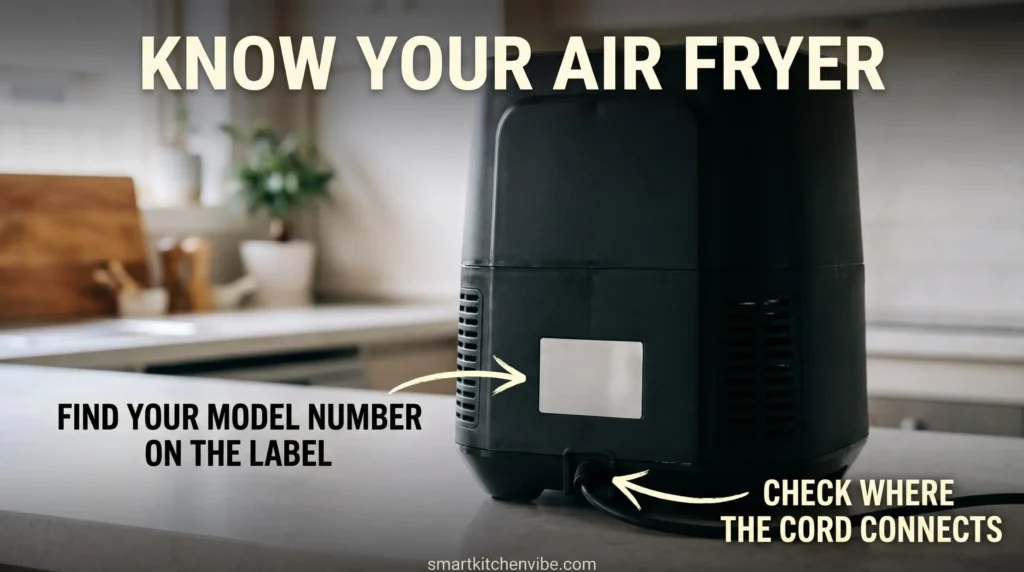
Models differ. A digital touchscreen unit, a dial unit, and a toaster-oven-style unit do not start the same way, and Gourmia sells many of them. The steps below follow the manual for the 7-qt GAF798 and general appliance practice. Check the manual for your own model number, which is printed on the label on the back or bottom of the unit.
7 Safe Fixes for a Gourmia Air Fryer That Won’t Turn On
Fix 1: Test the wall outlet.
Plug a lamp or phone charger into the same outlet. If it does not work, the problem is the outlet, not the air fryer. Check whether a button on the outlet has tripped (a GFCI outlet has a TEST and RESET button) and check the breaker panel.
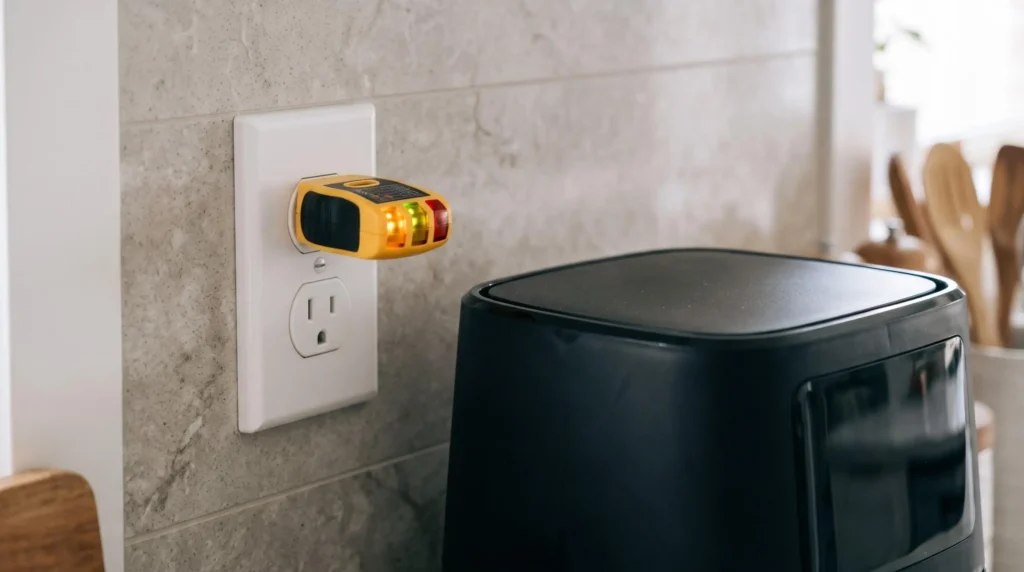
Gourmia’s manual says to plug the main plug into a grounded wall socket and to push the plug in fully. Avoid a power strip if you can.
If you want a quick, reliable way to test an outlet, the Klein Tools outlet tester shows wiring faults and has a GFCI test. Check Current Price on Amazon
Fix 2: Inspect the cord and plug
With the unit unplugged, look at the whole cord. Look for cuts, kinks, burn marks or a loose plug. The manual says not to use the unit if the plug, cord or unit is damaged.
If the cord looks damaged, stop here and contact Gourmia. Do not tape it or repair it.
Fix 3: Slide the basket in fully
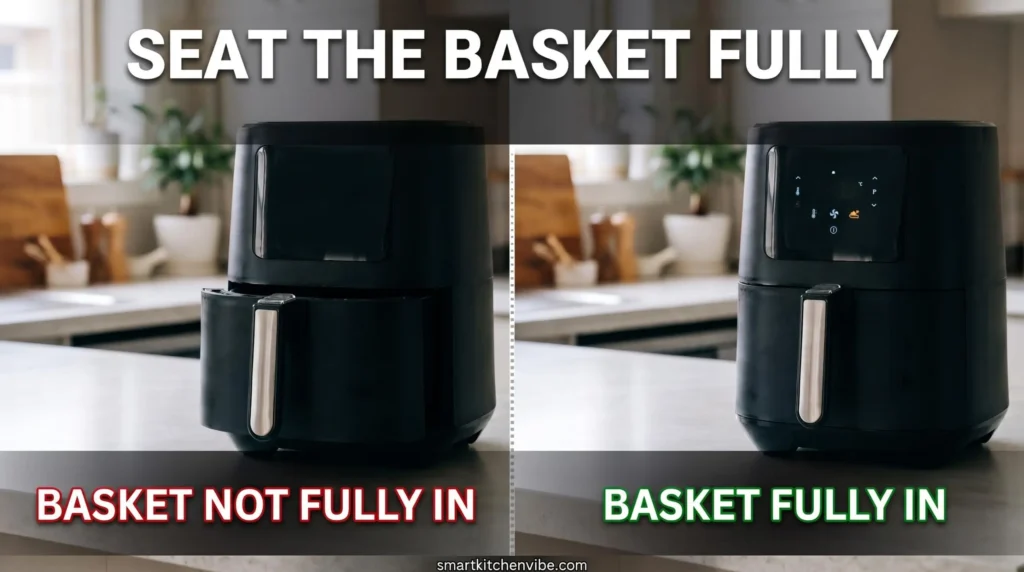
Many Gourmia models will not start unless the basket is fully in place. The manual’s troubleshooting section says to slide the basket into the air fryer properly. Pull it out, check for food or grease on the rails, and push it back until it stops.
Our guide to cleaning an air fryer basket shows how to clean the basket without damaging the coating.
Fix 4: Set a cook time
On the GAF798, the manual says to set a cook time with the + and – icons to turn the unit on. If the display lights but nothing happens, press the temperature and time controls and set both before you press start.
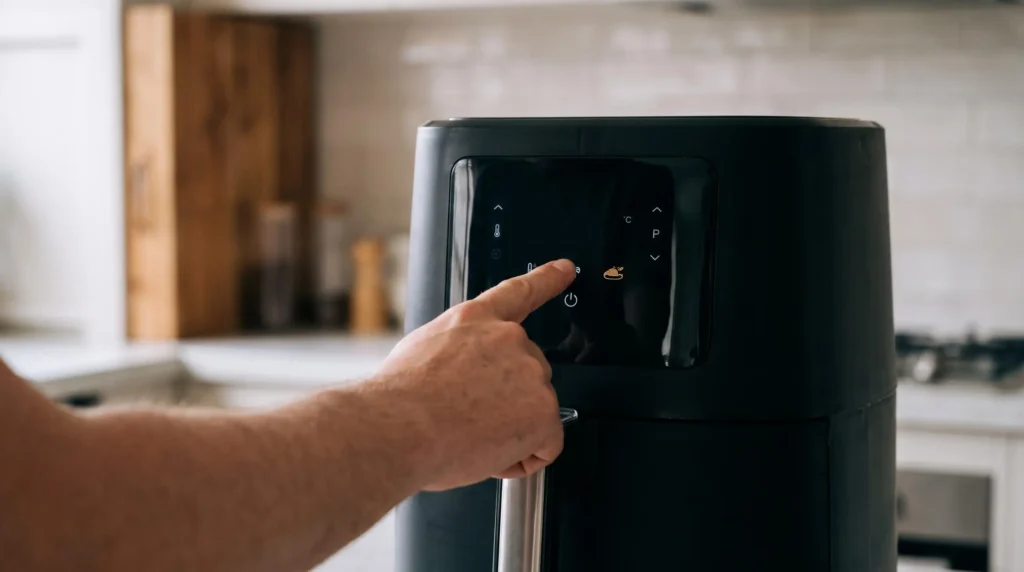
That is the most common reason for “the display is lit but it will not start.” If your unit stays dark, the cause is further up this list.
Fix 5: Unplug it, wait, and try again
Pull the plug, wait about 10 minutes, then plug it into a different outlet. If the unit stopped in the middle of cooking, let it cool completely first. Some air fryers can stop when they get too hot. The GAF798 manual does not describe an automatic shut-off, so check your own model’s manual for this.
Fix 6: Try a different outlet on a different circuit
If you are using a kitchen outlet that also runs a microwave, kettle or toaster, move the air fryer to an outlet on another circuit. A 1,400-watt appliance such as the GAF798 draws a lot of power. The manual allows an extension cord only if it is rated at least as high as the appliance, and keeps the cord where children cannot pull it. A wall outlet is better.
Fix 7: Check for a tripped breaker or GFCI again.
If you moved the air fryer and the breaker trips, the unit may have a fault. Do not keep resetting the breaker. Stop using the air fryer and contact Gourmia.
If Your Display Shows a Message or Error Code
The GAF798 manual lists no numbered error codes. The messages it shows during guided cooking are “PrE xeat,” “Add Food,” “turn Food” and “End.” These are prompts, not faults.
If your model shows a code that is not in this list, find your model number on the label and look up the manual on Gourmia’s site. Codes are different from model to model, so a code from one air fryer can mean something else on another.
Troubleshooting Table
Use this table to match a Gourmia air fryer not turning on to its likely cause.
| What you see | Likely cause | What to do |
|---|---|---|
| Completely blank display and no light | No power at the outlet, or a damaged cord | Test the outlet, inspect the cord |
| Display lit but the unit will not start | Basket not seated, or no time set | Slide the basket in fully, set time and temperature |
| It stopped while cooking | Overheating, a tripped breaker, or a loose plug | Unplug, let it cool, try another outlet |
| Breaker or GFCI trips | A shared circuit, or a fault in the unit | Stop using it and contact Gourmia |
| Burning smell or smoke | Grease buildup, or a fault | Unplug, let it cool, clean it, and stop if it returns |
| Cord or plug looks damaged | Wear or damage | Do not use it, contact Gourmia |
What If It’s Completely Dead?
If there is no light, no sound and no display, and the outlet works, the air fryer has a problem inside or in the cord. You cannot fix that at home.
- Confirm the outlet works with another device.
- Try the unit in a second outlet in another room.
- Look at the cord and plug for damage.
- Find your receipt and model number.
- Contact Gourmia.
Gourmia’s manual says the warranty runs for one full year from the date of purchase, with proof of purchase from an authorized seller, and that it is valid in the United States. You can reach support through gourmia.com or by email at info@gourmia.com. Keep your receipt and model number ready.
If it is out of warranty or the repair costs more than a new unit, see our Ninja vs Cosori comparison before you buy again.
Should You Open the Air Fryer to Check the Wiring Yourself?
No. Opening the housing exposes live wiring and can void your warranty. A loose wire, a failed fuse or a burned control board needs a technician or a replacement unit. The checks above cover everything you can safely do at home.
Prevention Tips
- Always set a cook time and temperature before you start.
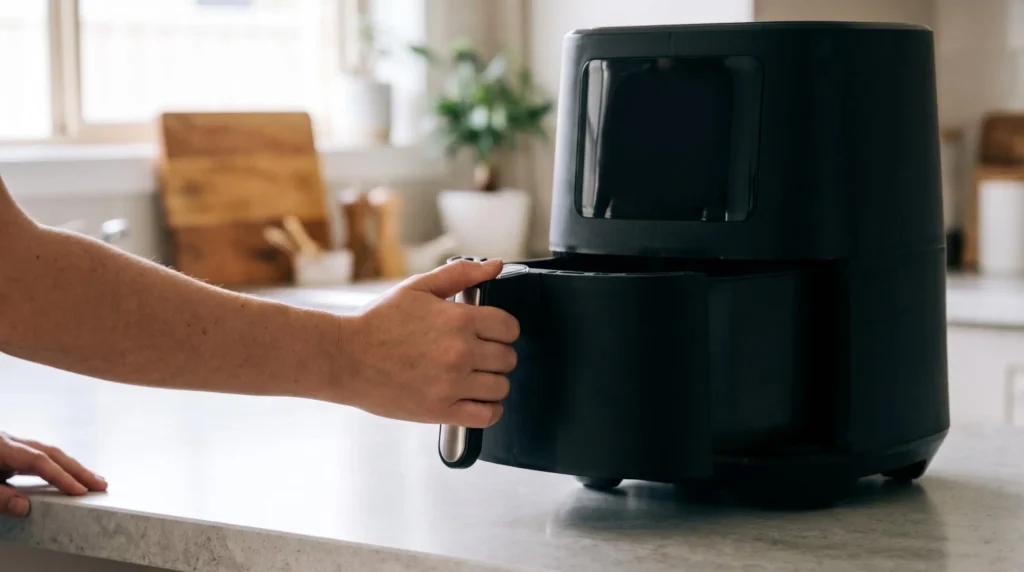
- Seat the basket fully every time.
- Plug the air fryer straight into a wall outlet.
- Let it cool before you clean it, and keep water away from the cord, plug and base.
- Clean grease from the basket and the vents so the unit does not overheat.
- Do not wrap the cord tightly around the unit while it is warm.
If your air fryer is also noisy, see our guide on why an air fryer makes noise.
Frequently Asked Questions
Why won’t my Gourmia air fryer turn on at all?
With a Gourmia air fryer not turning on at all, start with the outlet, then the cord and plug. Next, make sure the basket is fully in and a cook time is set. If it is still dead, contact Gourmia.
Why did my Gourmia air fryer suddenly stop working?
Unplug it and let it cool. Then try a different outlet, inspect the cord, and check the breaker or GFCI. If the unit still shows no light or display, contact Gourmia support.
How do I reset my Gourmia air fryer?
There is no reset button on most models. Unplug the unit, wait about 10 minutes, and plug it back in. If your model has a reset or power button, your manual explains it.
Why is the display on my Gourmia air fryer blank?
Usually the outlet or the cord. Try another outlet, then inspect the cord and plug. A blank display after both checks points to a fault in the unit.
Why is the light not turning on on my Gourmia air fryer?
Check the outlet, the cord and the basket position first. Some models also need a cook time set before they start. If there is still no light, stop using it and contact Gourmia support.
Can I test my Gourmia air fryer on a different outlet?
Yes, and you should. Use a wall outlet on another circuit. Avoid power strips.
Should I open my Gourmia air fryer to check for a loose wire?
No. It is unsafe and can void the warranty.
Is a Gourmia air fryer covered under warranty?
The manual for the 7-qt GAF798 gives one full year from the date of purchase, with proof of purchase. Your model may differ, so check the warranty section of your manual.
Conclusion
A Gourmia air fryer not turning on is most often a power, basket or timer problem. Check the outlet, the cord, the basket and the cook time in that order. If it is still dead, or you see damage, a burning smell or a tripping breaker, stop using it and contact Gourmia.
🛒 Recommended Products
Klein Tools outlet tester for a quick check of the outlet and its GFCI before you blame the air fryer. Check the Current Price on Amazon
Recommended Guides
- How to fix an air fryer that won’t turn on
- Instant Vortex air fryer not turning on
- How to clean an air fryer basket
References
- Gourmia 7-Qt Digital Air Fryer (GAF798) user manual: Troubleshooting, Using Your Air Fryer, Cleaning & Maintenance, Warranty & Service
Editorial Note
This guide is based on Gourmia’s published manual for the 7-qt GAF798 and general appliance safety practice, not on hands-on testing. Gourmia sells many models and the steps differ, so check the manual for your own model number.






[…] Check that the display shows a real temperature and a time greater than zero, and that you pressed Start or the equivalent on your model. If the display lights up but nothing heats, try a higher setting for a short cook. If the unit shows no sign of power at all, see our guide on a Gourmia air fryer that is not turning on. […]