Cuckoo Rice Cooker Error Codes? (Easy Fix For E01, Eco, & More)

Quick Answer
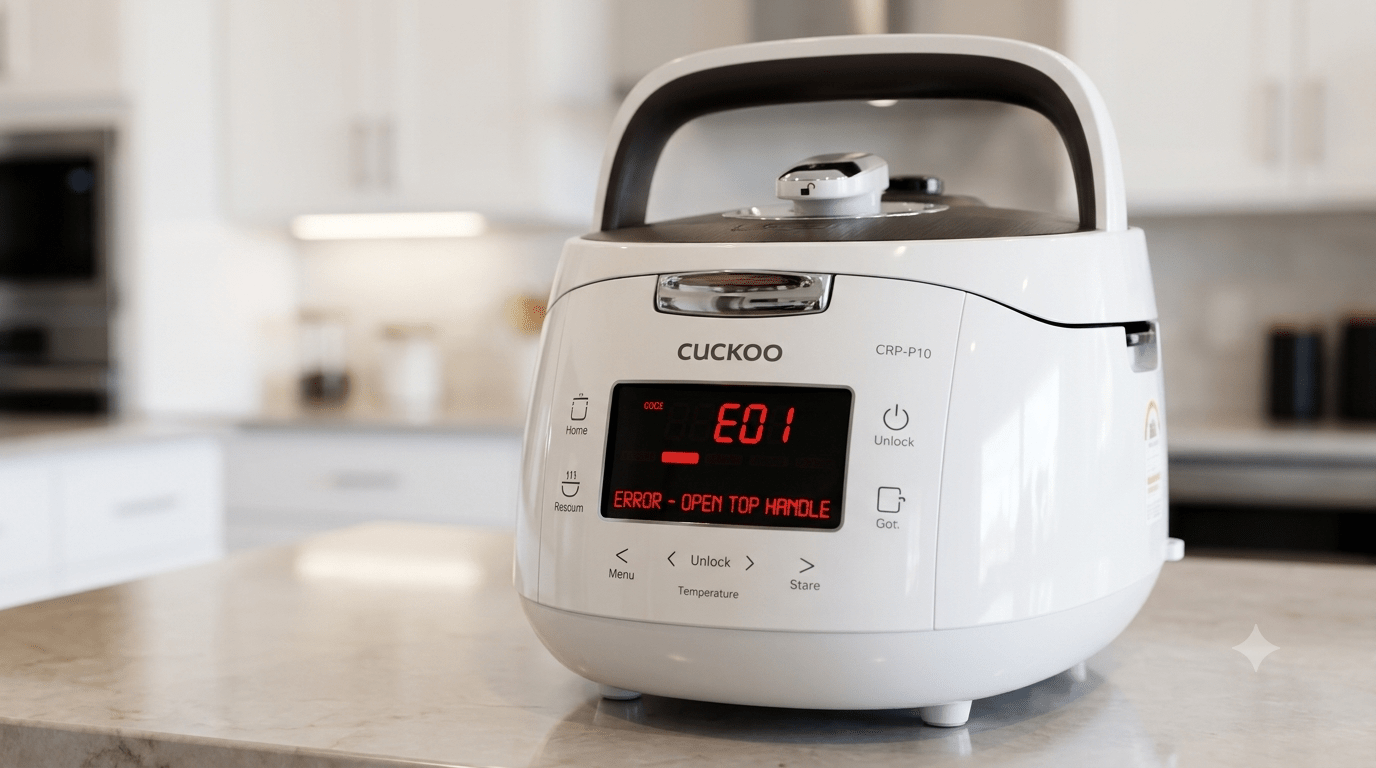
Cuckoo rice cooker error codes like E01, E02, Eco, and E-t are almost always safety warnings, not signs of a broken machine. Most codes point to a specific, fixable issue—an improperly closed lid, a dirty steam sensor, a lid safety switch that isn’t engaged, or a temperature sensor blocked by food residue. Unplugging the cooker for a few minutes, checking the lid and inner pot are seated correctly, and cleaning the steam vent and sensor area resolves the majority of Cuckoo rice cooker error codes without needing a repair.
Safety Note: Always unplug the cooker before inspecting the lid, valve, or sensor area, and let it cool completely if it was recently in use—the pressure valve and inner pot can stay hot for several minutes after cooking ends.
Why Do Cuckoo Rice Cookers Show Error Codes?
Cuckoo rice cookers use internal sensors to monitor pressure, temperature, and lid position throughout the cooking cycle. This is a safety feature — since many Cuckoo models cook under pressure, the machine is designed to stop and display an error rather than continue operating if something isn’t in the expected state. In most cases, an error code means the sensor detected something out of place (a loose lid, a blocked steam path, a sensor reading affected by residue) rather than a hardware failure.
Is It Safe to Keep Using the Cooker After an Error?
For most common codes (like a lid not fully locked or a sensor needing cleaning), it’s safe to fix the underlying cause and continue using the cooker normally. However, if the same error code returns repeatedly after you’ve properly cleaned and reset the unit, or if you notice a burning smell, unusual noise, or visible damage to the lid or seal, stop using the cooker and contact Cuckoo customer support rather than continuing to run cycles.
Common Cuckoo Rice Cooker Error Codes and What They Mean
E01 — Temperature Sensor Error
What it means: The main temperature sensor is reading a value outside its expected range, often because the sensor area on the inner pot or heating plate is dirty or
because the inner pot isn’t seated flat.
Fix: Unplug the cooker, remove the inner pot, and check that the center thermal sensor moves freely and is free of food residue. Reseat the inner pot flat and centered, then try again.
E02 — Lid Temperature Sensor Error
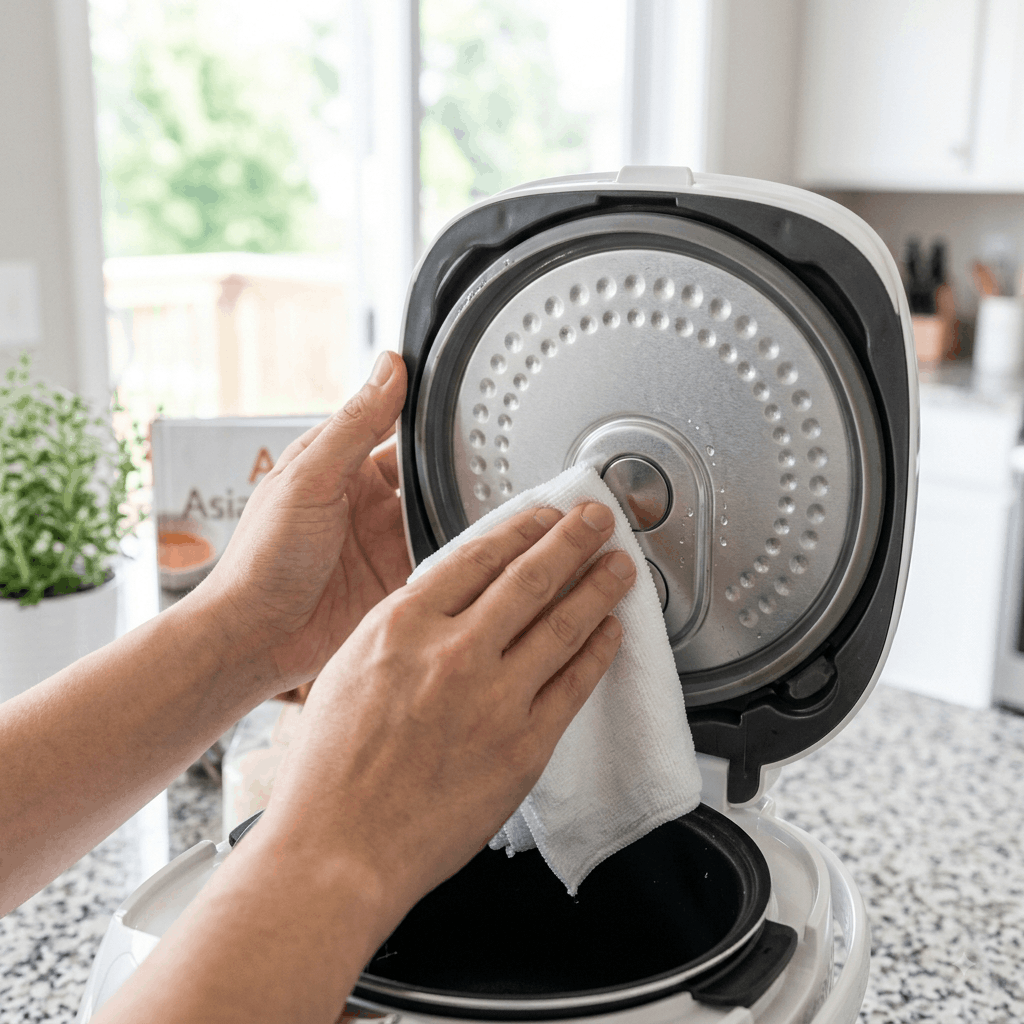
What it means: Similar to E01, but specific to the sensor located in the lid rather than the base.
Fix: Clean the underside of the lid and the sensor area, making sure no food residue or moisture is blocking it, then close the lid firmly and retry.
Eco — Overheating or Cooling Protection Mode
What it means: The cooker’s safety system has detected a temperature that’s higher than expected and has paused operation to protect the internal components.
Fix: Unplug the cooker and let it cool completely for at least 30 minutes before attempting to use it again. If the Eco code appears again shortly after restarting, don’t keep repeating cycles let it rest longer and check that the vents aren’t blocked.
E-T—Steam Vent or Pressure Path Blockage
What it means: This code usually appears when the steam release pathway is at least partially blocked, often by dried rice starch or debris in the vent or pressure nozzle.
Fix: Unplug and cool the cooker, then remove the steam cap and pressure valve and clean out the nozzle using the cleaning pin usually stored underneath the unit. See our full guide on how to clean a Cuckoo rice cooker for the complete steam vent cleaning process.
Lid Not Locked / Open Lid Warning
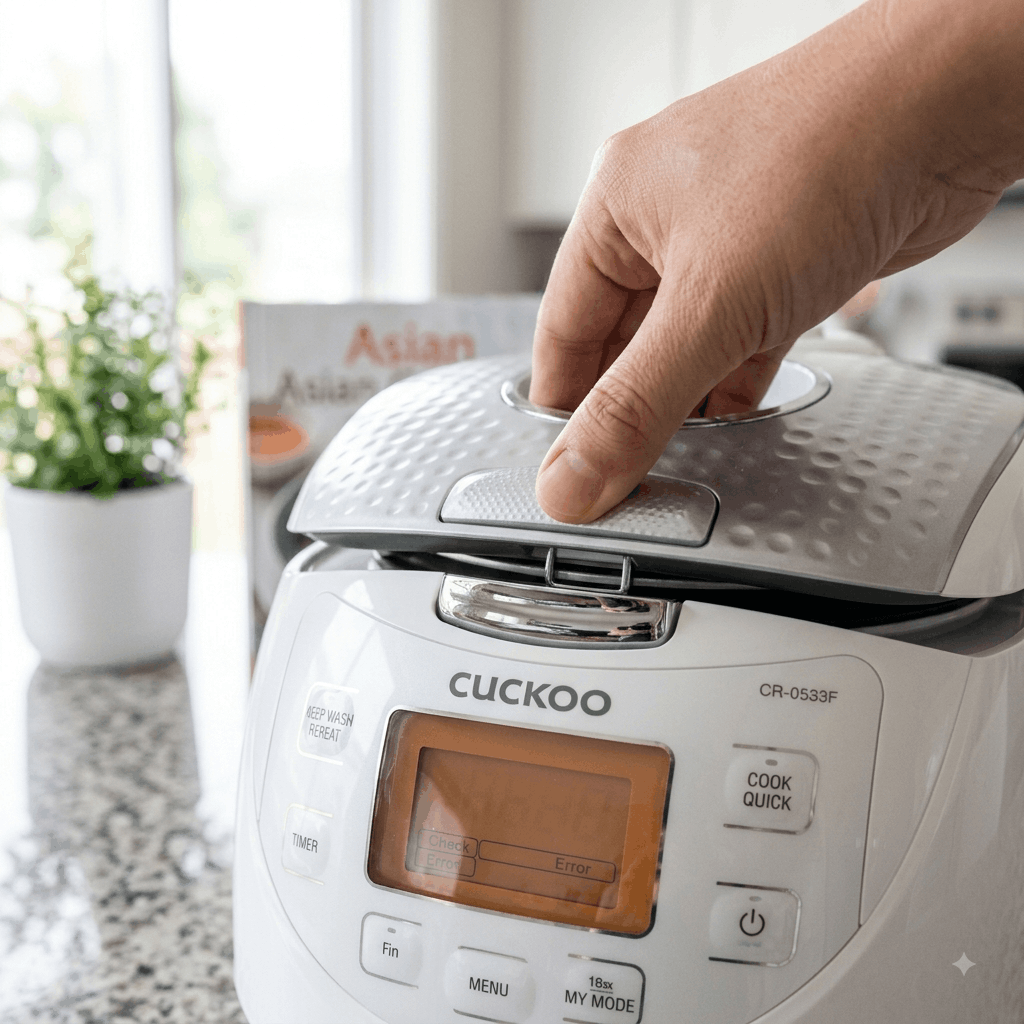
What it means: The cooker’s safety switch hasn’t detected the lid as fully closed and locked, so it won’t begin building pressure.
Fix: Open the lid fully, then close it firmly until you feel or hear it lock into place. Check that nothing (like a stray grain of rice or the sealing ring) is preventing a full seal.
E03 / E04 — Internal Circuit or Component Error
What it means: These codes typically point to an internal electrical or component issue rather than something user-fixable, such as a wiring fault or a failing sensor board.
Fix: Unplug the unit and do not attempt to open the housing yourself. Contact Cuckoo customer support with your model number for further diagnosis.
Troubleshooting Table
| Error Code | Likely Cause | What to Do |
|---|---|---|
| E01 | Base temperature sensor issue | Clean sensor area, reseat inner pot |
| E02 | Lid temperature sensor issue | Clean lid sensor, close lid firmly |
| Eco | Overheating protection | Unplug, cool for 30+ minutes |
| E-t | Blocked steam vent/pressure path | Clean steam cap and pressure nozzle |
| Lid warning | Lid not locked | Reopen and firmly reclose the lid |
| E03/E04 | Internal circuit/component fault | Contact Cuckoo support |
Now that you know what each code means, here’s how to keep Cuckoo rice cooker error codes from showing up in the first place.”
How to Prevent Cuckoo Rice Cooker Error Codes
- Clean the steam vent, pressure valve, and nozzle pin weekly to prevent starch buildup
- Wipe the center thermal sensor and lid sensor area after every use
- Always seat the inner pot flat and centered before closing the lid
- Close the lid firmly until it fully locks, every time
- Avoid overfilling the inner pot beyond the maximum fill line, which can force steam and residue into the sensor and vent areas
- Let the cooker fully cool between back-to-back cooking cycles
Expert Tip
If an error code appears right after cleaning, double-check reassembly before assuming something is broken. Steam caps, pressure valves, and inner lids need to be seated exactly right to register correctly with the safety sensors — a code that appears immediately after cleaning is very often a reassembly issue rather than a new fault.
Frequently Asked Questions
Here are the most common questions about Cuckoo rice cooker error codes.
What does E01 mean on a Cuckoo rice cooker?
E01 usually indicates a temperature sensor reading outside its expected range, often caused by a dirty sensor or an inner pot that isn’t seated flat. Clean the sensor and reseat the pot before trying again.
What does the Eco code mean on a Cuckoo rice cooker?
Eco indicates the cooker’s overheating protection has activated. Unplug the unit and let it cool for at least 30 minutes before using it again.
Why does my Cuckoo rice cooker keep showing E-t?
E-t typically points to a blocked steam vent or pressure pathway, usually from dried rice starch. Cleaning the steam cap, pressure valve, and nozzle with the included cleaning pin usually resolves it.
Is it safe to keep using my Cuckoo rice cooker after an error code?
For common codes tied to cleaning or lid position, yes — once you’ve addressed the cause. If the same code keeps returning after proper cleaning, or you notice a burning smell or unusual noise, stop using it and contact support.
Why does my Cuckoo rice cooker show an error even though the lid looks closed?
The lid may look closed without being fully locked. Reopen it completely and close it again firmly until you feel or hear the lock engage.
Can I fix an E03 or E04 error myself?
These codes usually point to an internal electrical or component issue rather than something fixable through cleaning. Contact Cuckoo customer support with your model number rather than opening the unit yourself.
How often should I clean my Cuckoo rice cooker to avoid error codes?
Clean the inner pot and lid after every use, and check the steam vent, pressure valve, and sensor areas weekly — this prevents the buildup that causes most common error codes.
Conclusion
Most Cuckoo rice cooker error codes point to something simple and fixable a dirty sensor, a blocked steam vent, or a lid that isn’t fully locked rather than a serious hardware failure. Work through the codes above, and a regular weekly cleaning routine will prevent the vast majority of them from showing up in the first place. If a code keeps returning after proper cleaning, or you notice signs like a burning smell or unusual noise, stop using the cooker and reach out to Cuckoo support rather than continuing to troubleshoot at home.
Related Articles: How to Clean a Cuckoo Rice Cooker | The Ultimate Cuckoo Rice Cooker Water Ratio Guide | Why Is My Rice Cooker Boiling Over? | Top 5 Best Rice Cookers
References
Editorial Note
Reviewed by the Smart Kitchen Vibe Editorial Team
Smart Kitchen Vibe publishes practical kitchen appliance guides based on manufacturer documentation, product manuals, and real-world troubleshooting research. Error code meanings can vary slightly between Cuckoo models — always cross-check your specific model’s manual for the most accurate code definitions.